How to Create a New Account and Set Up Your Organization on QualifyMe
This guide details the process of creating a new user account, signing up for the platform, setting up initial organization details, and beginning the job posting creation process on QualifyMe.
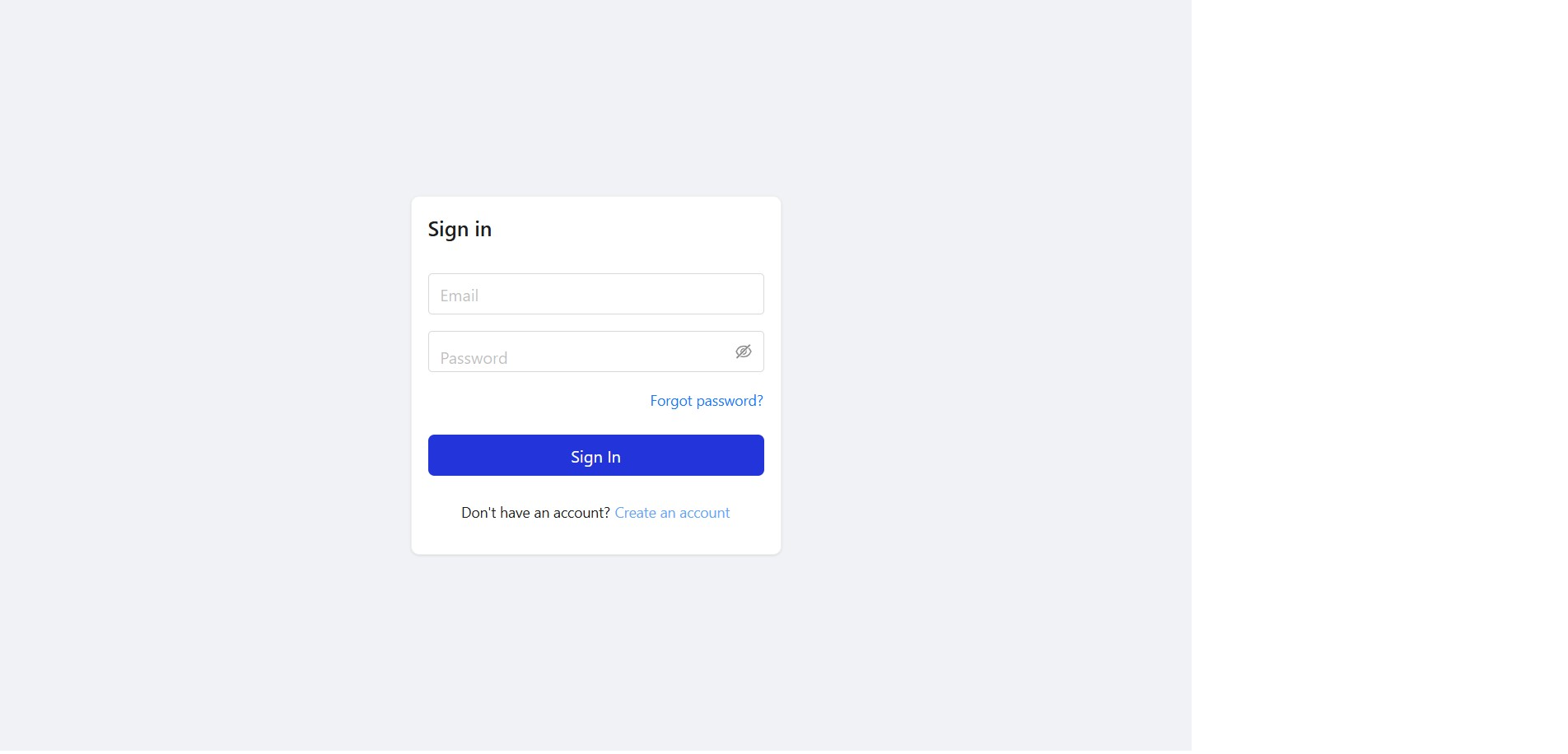
Navigate to the Sign In Page and Click 'Create an account'
On the sign-in screen, click the link labeled 'Create an account' to proceed to the sign-up page.
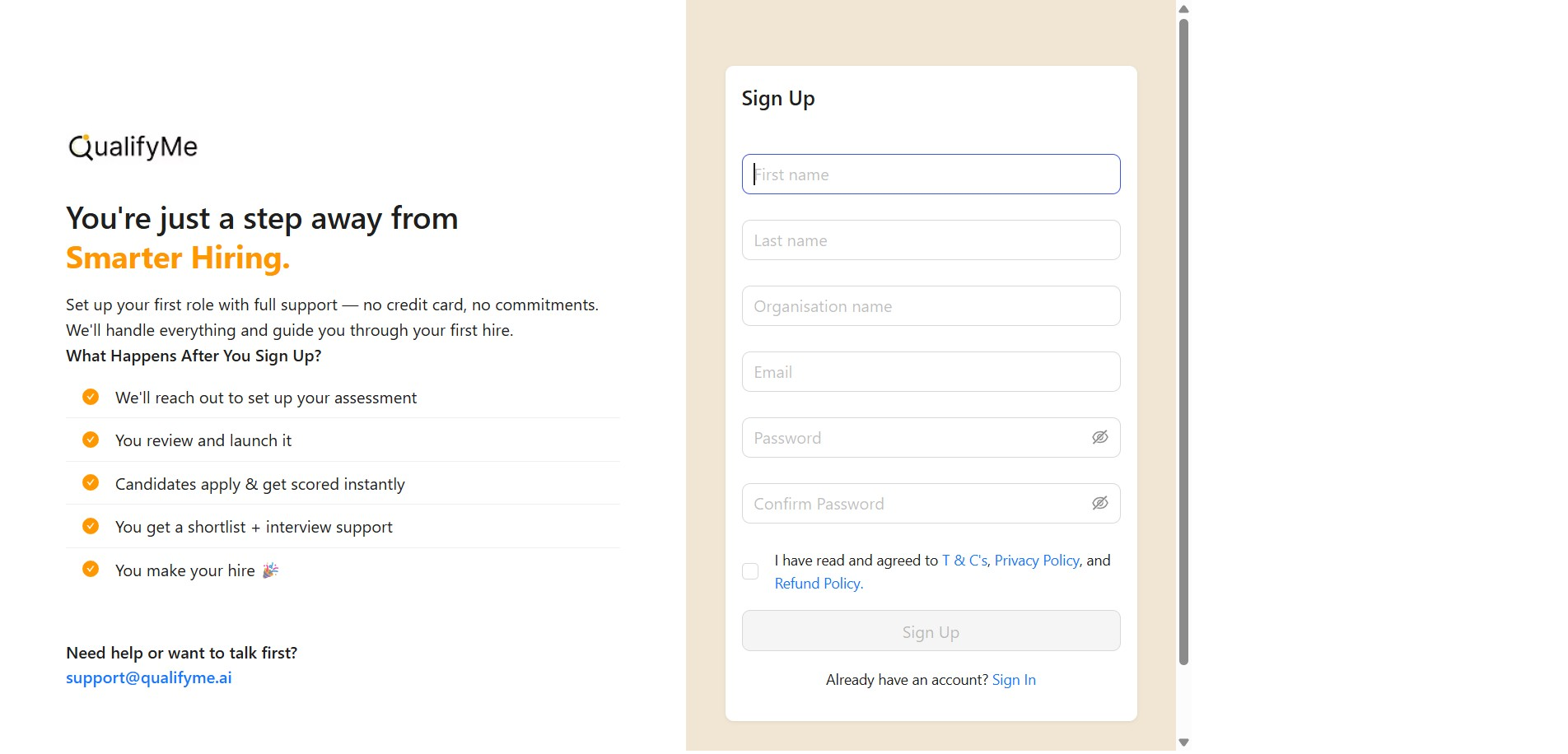
Navigate to the Sign Up Form
The system automatically navigates to the 'Sign Up' form after clicking 'Create an account'.
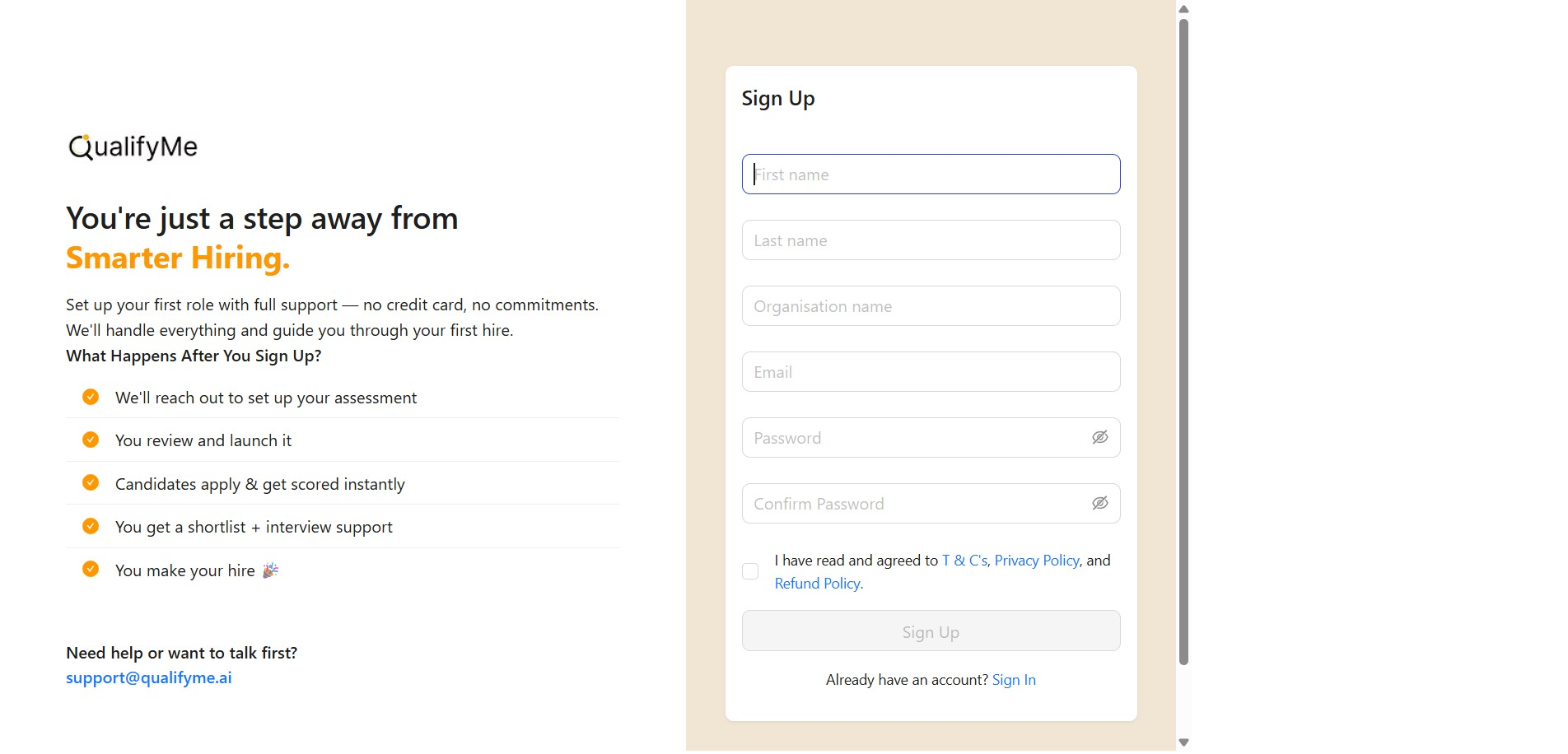
Begin Filling Out Sign Up Details
The sign-up form is now visible, prompting for the first name.
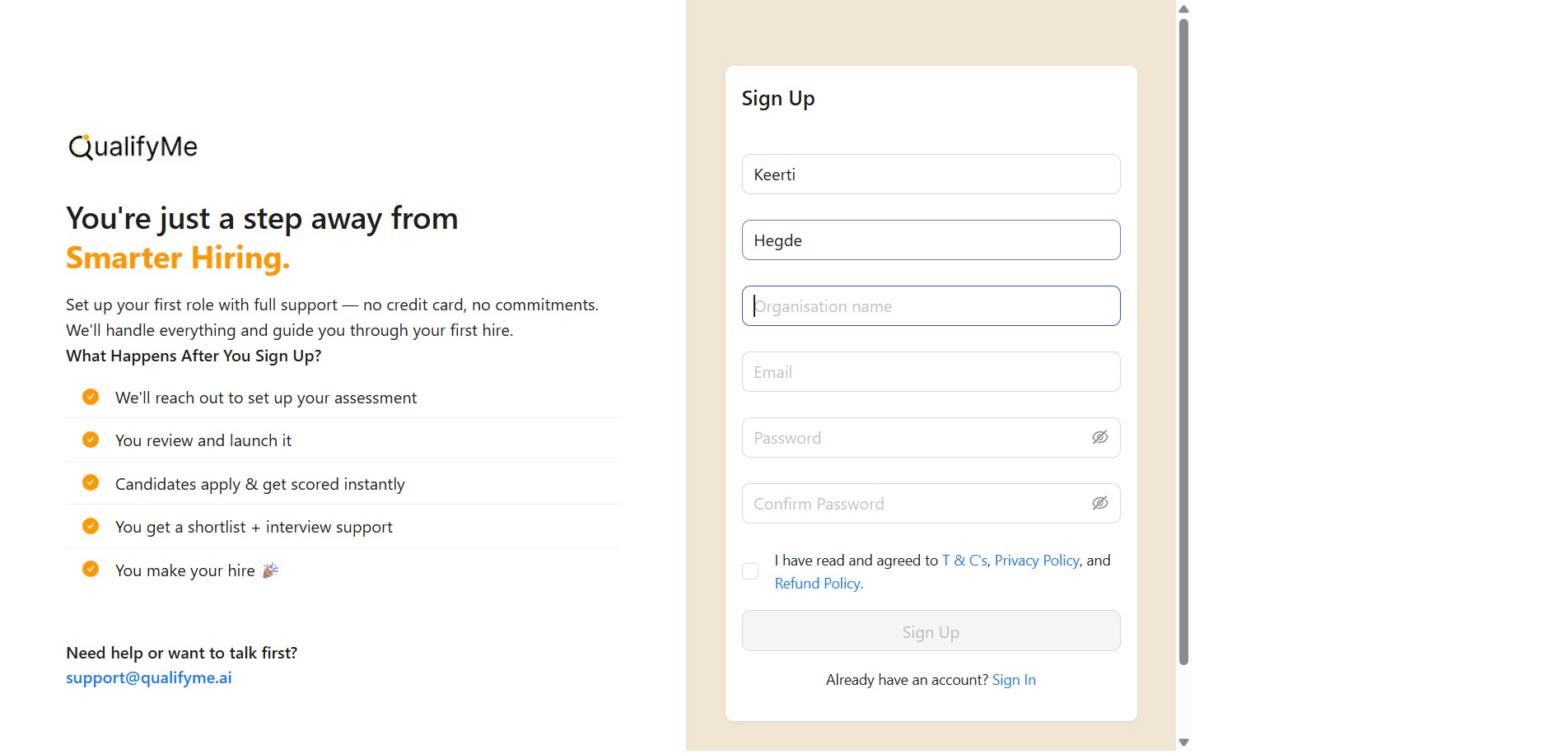
Enter First Name and Last Name
Enter 'Keerti' in the first name field and 'Hegde' in the last name field.
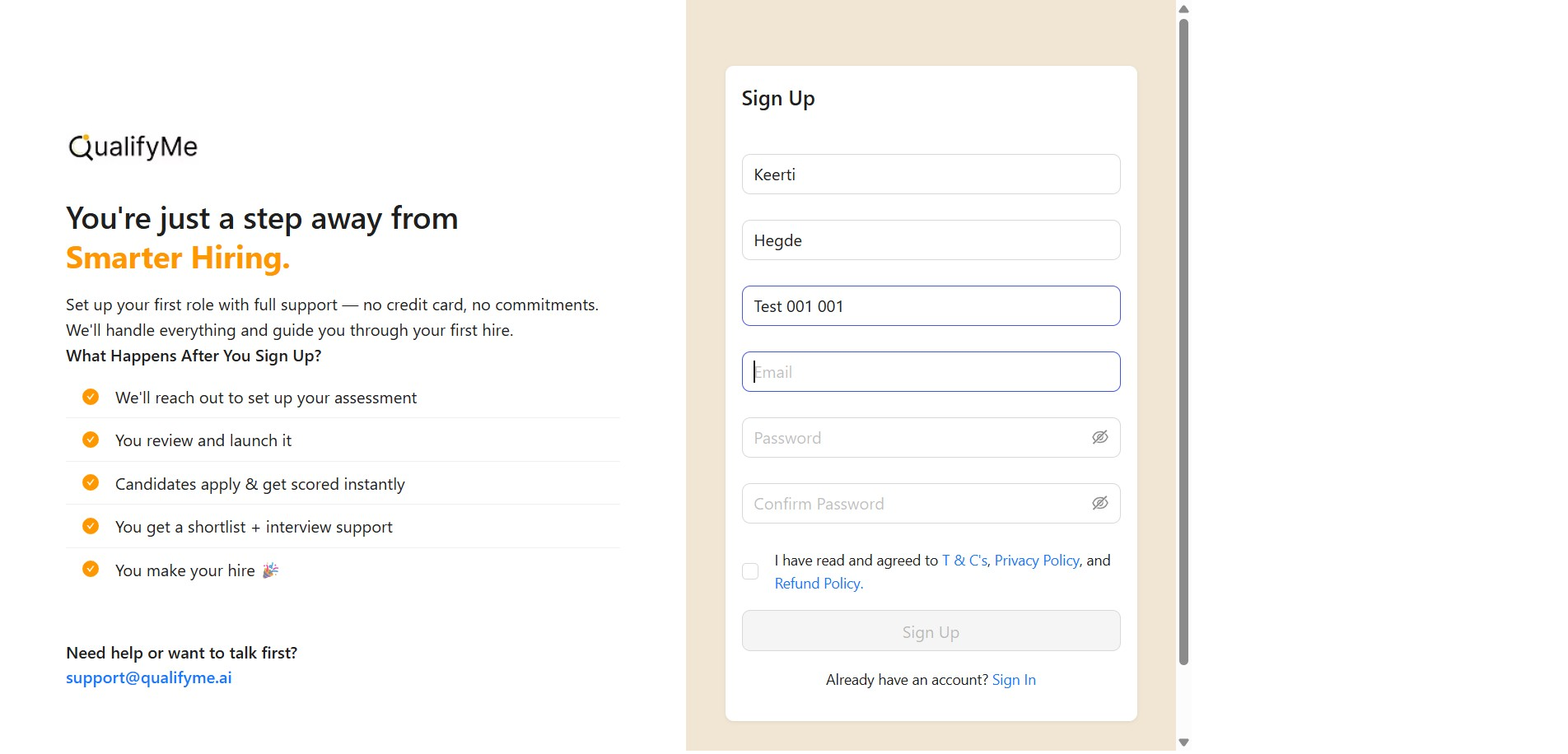
Enter Organization Name and Email
Input 'Test 001 001' for the organization name and an email address like 'keerti@avadhutatech.com'.
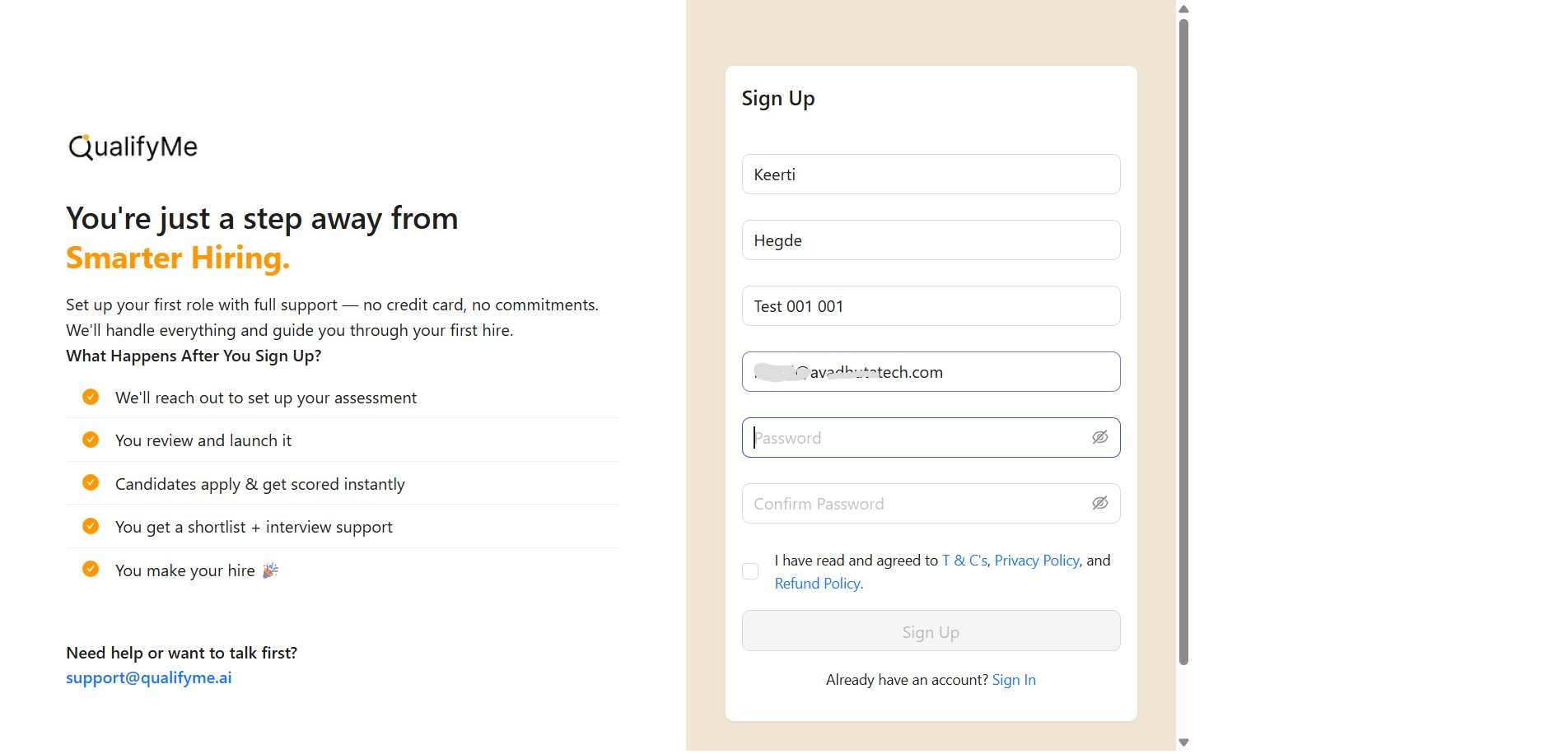
Enter and Confirm Password
Enter a chosen password in the 'Password' field.
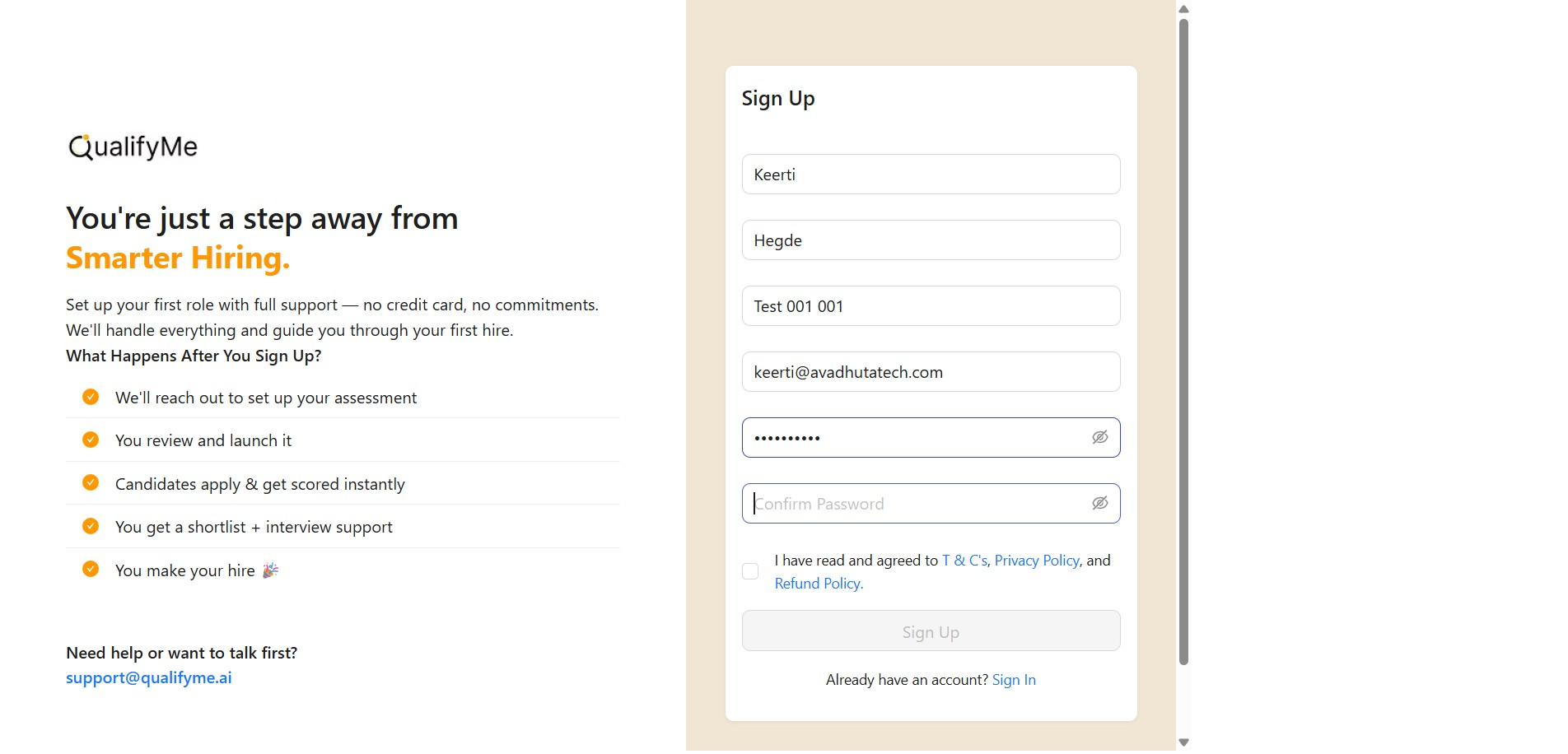
Confirm Password Entry
Enter the same password again in the 'Confirm Password' field.
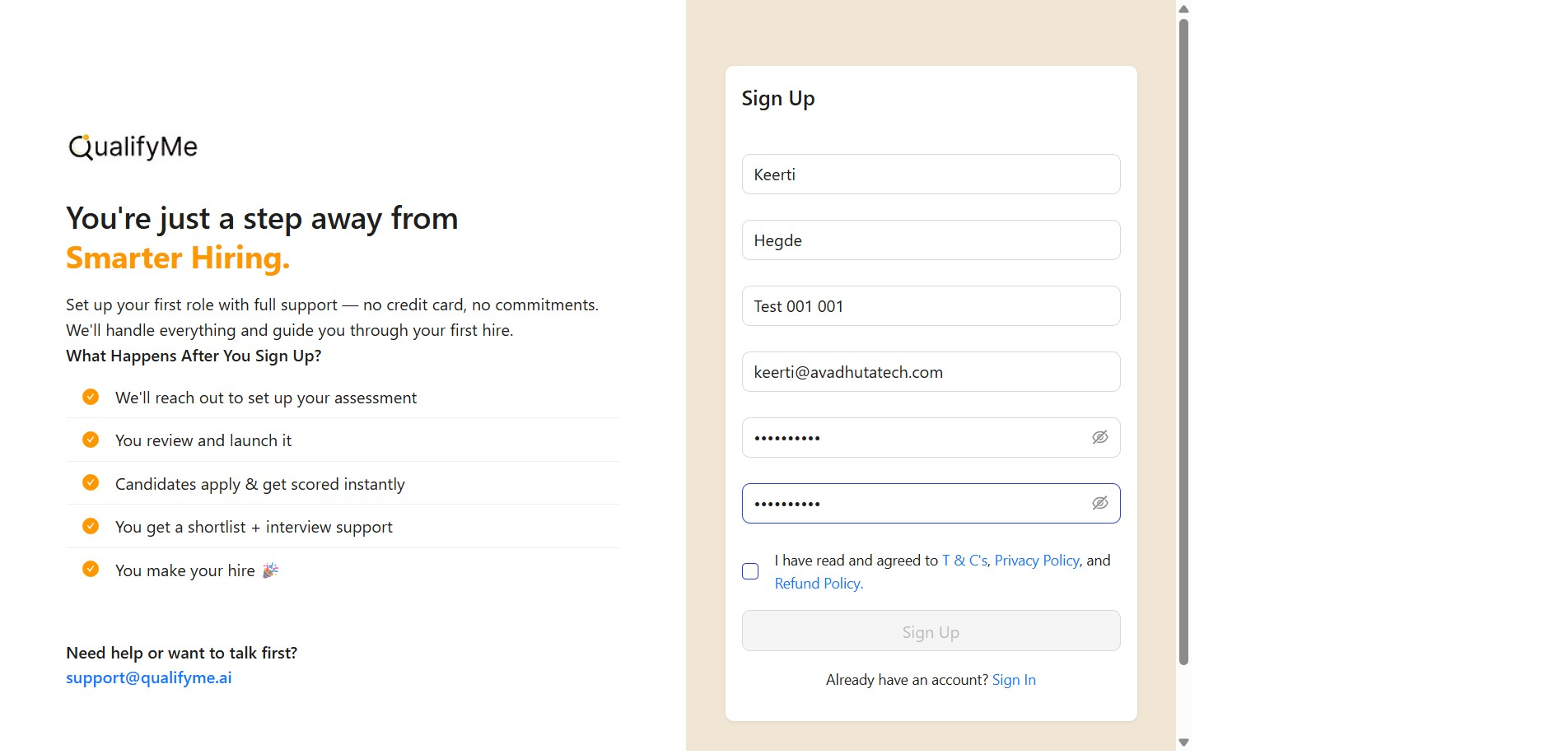
Agree to Terms and Conditions
Check the box to indicate agreement with the T&Cs, Privacy Policy, and Refund Policy.
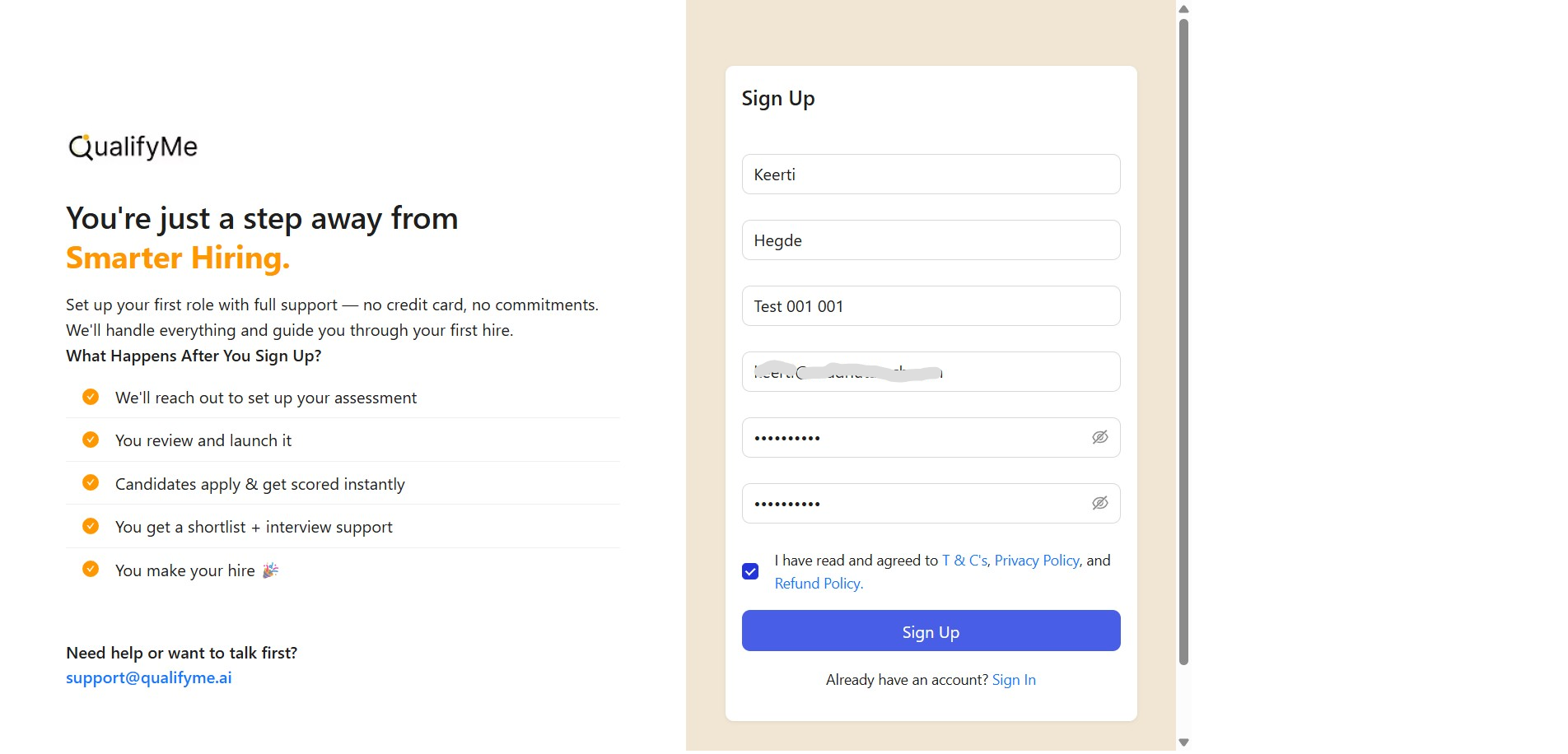
Submit the Sign Up Form
Click the 'Sign Up' button to finalize the account creation.
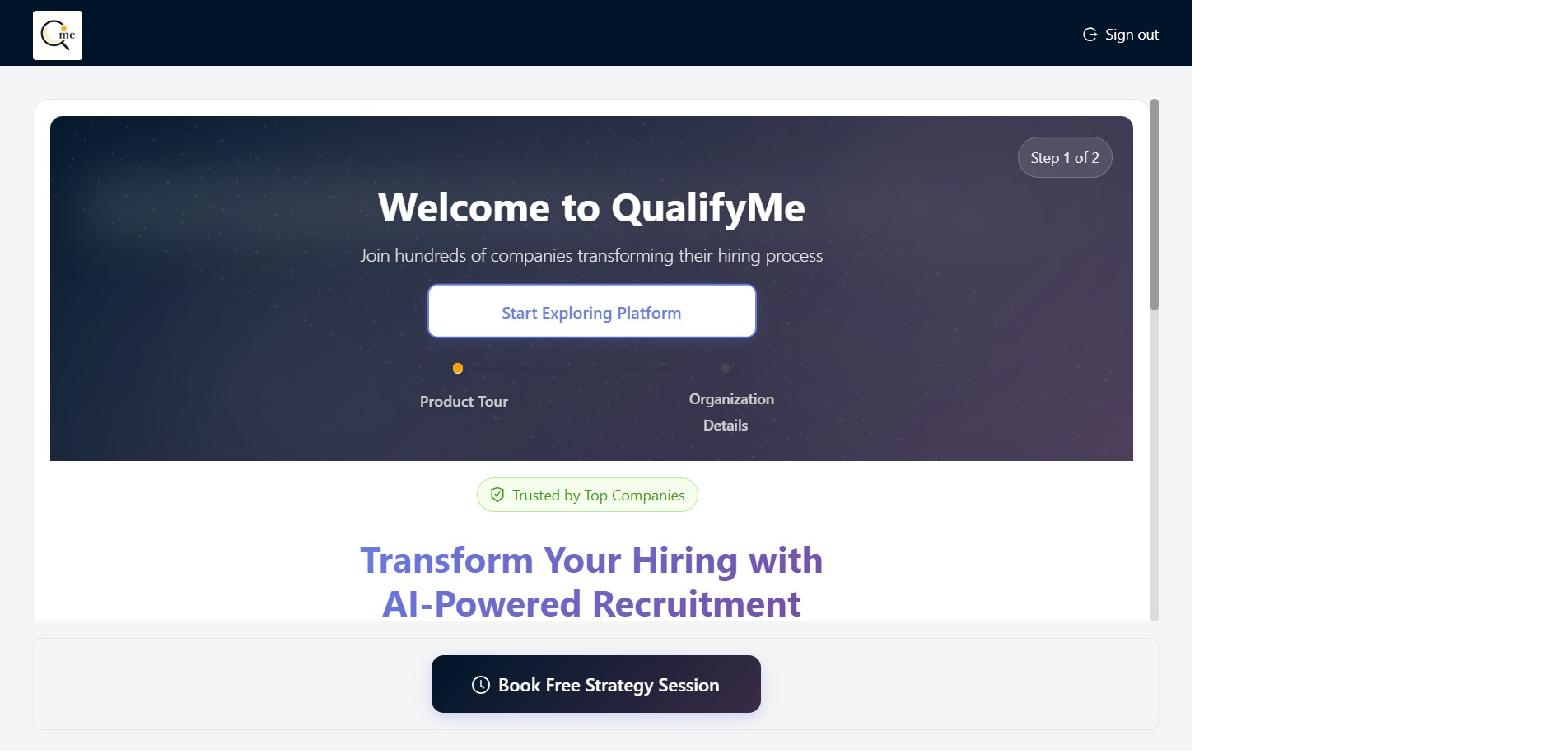
Start Exploring the Platform
After signing up, the welcome screen appears, where you click 'Start Exploring Platform' to continue setup.
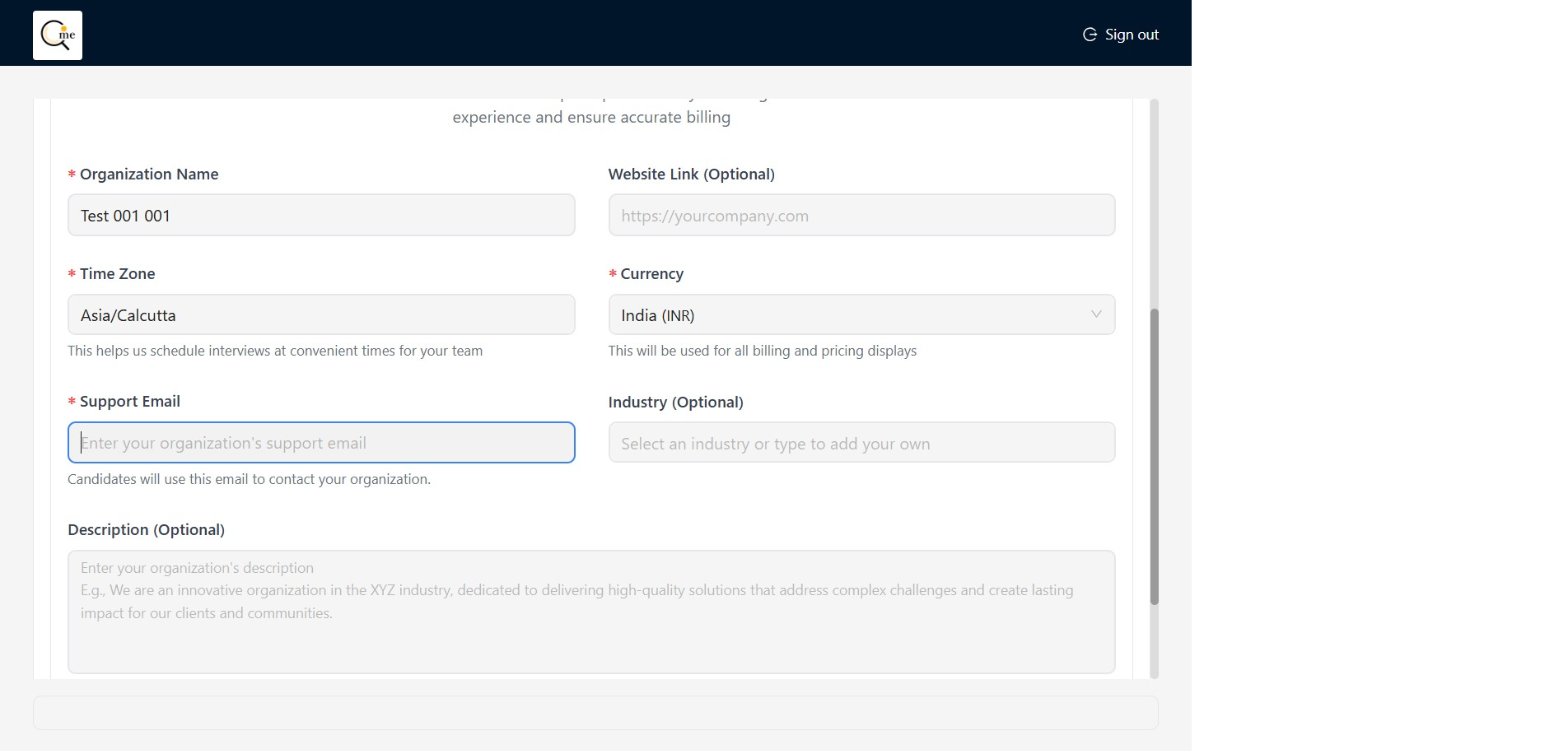
Enter Organization Support Email
On the organization details screen, input the support email address, 'keerti@avadhutatech.com', in the designated field.
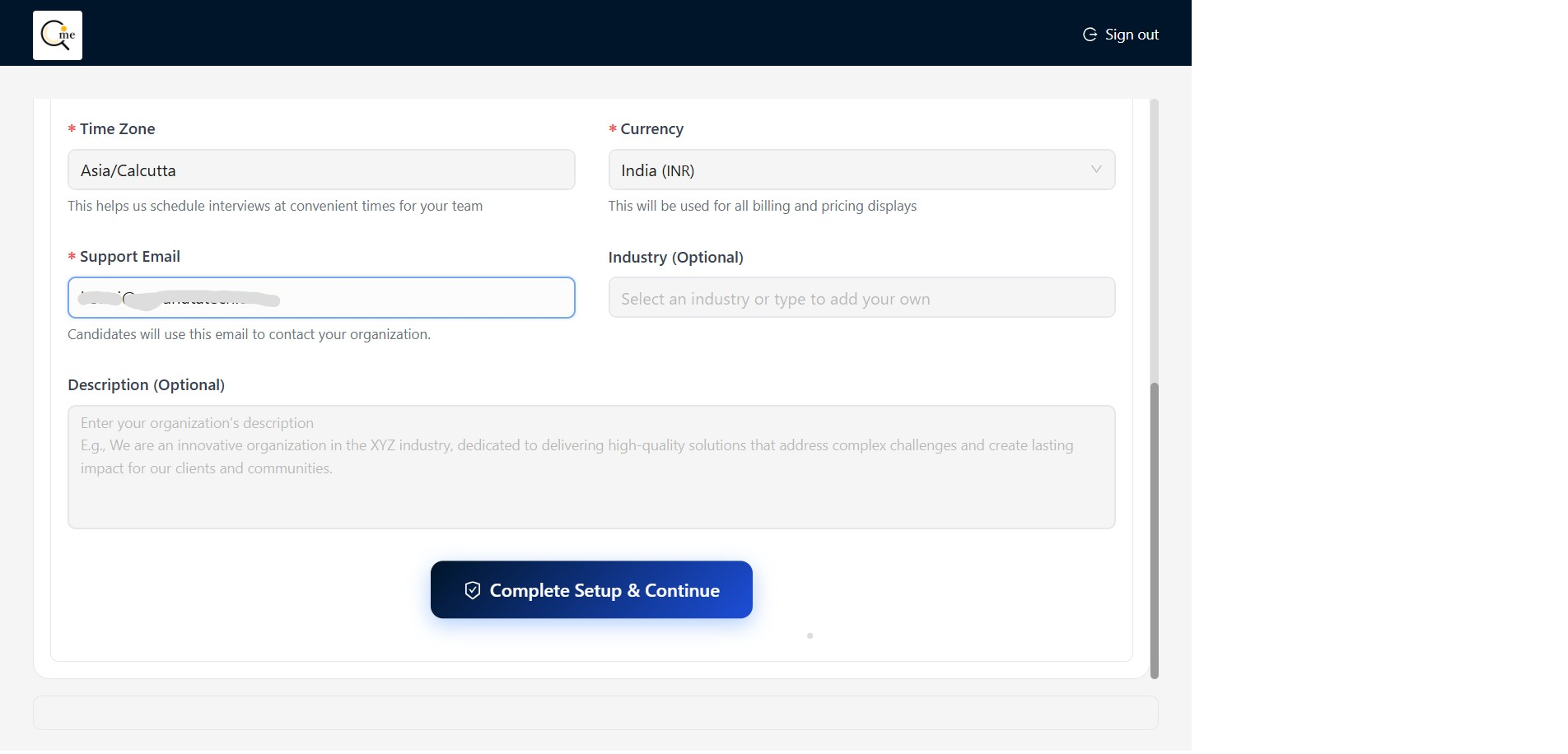
Complete Organization Setup
Click the 'Complete Setup & Continue' button to save the organization details and move to the next step.
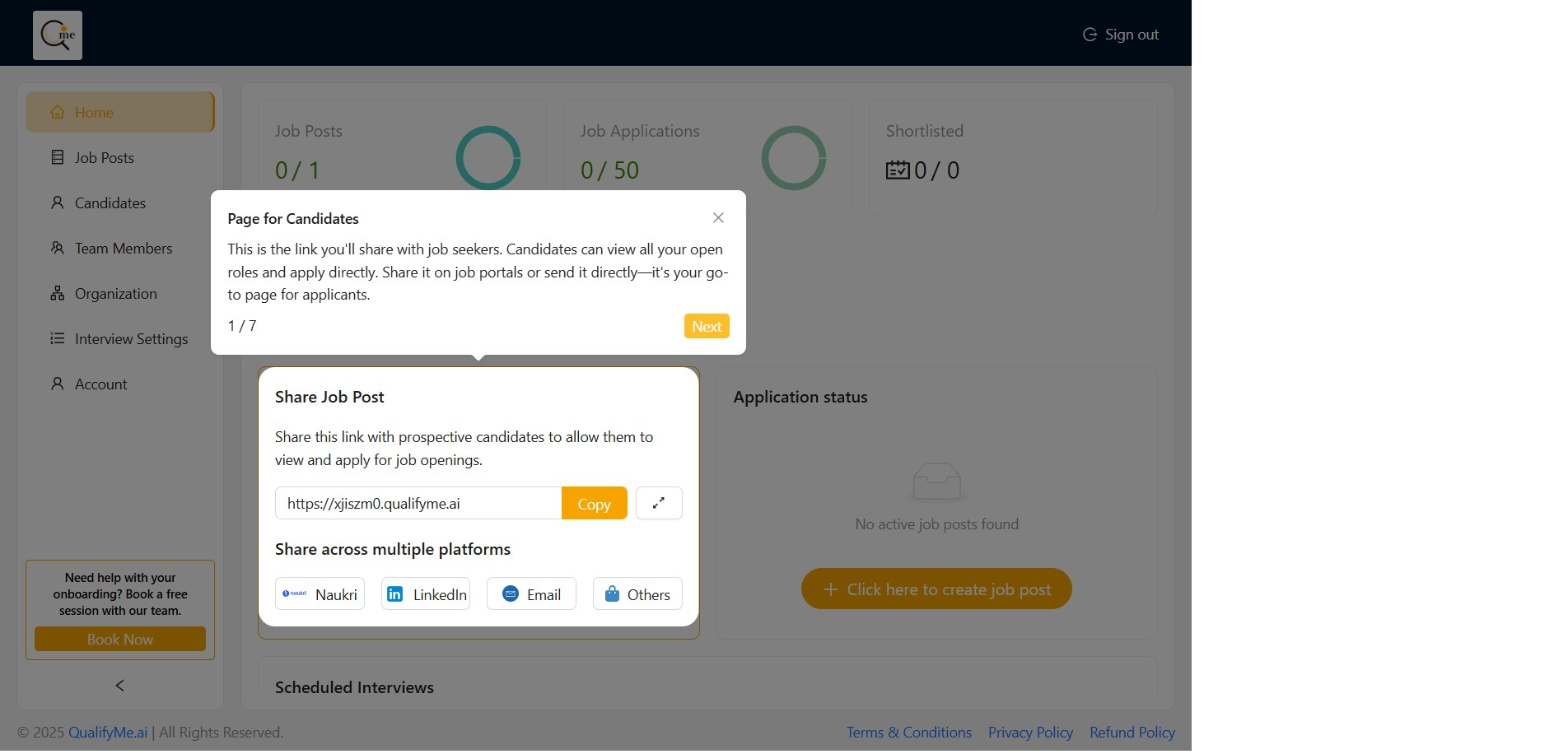
Review Page for Candidates Link
A pop-up appears showing the link to share with job seekers. Click 'Next' to proceed to the next step of the onboarding tour.
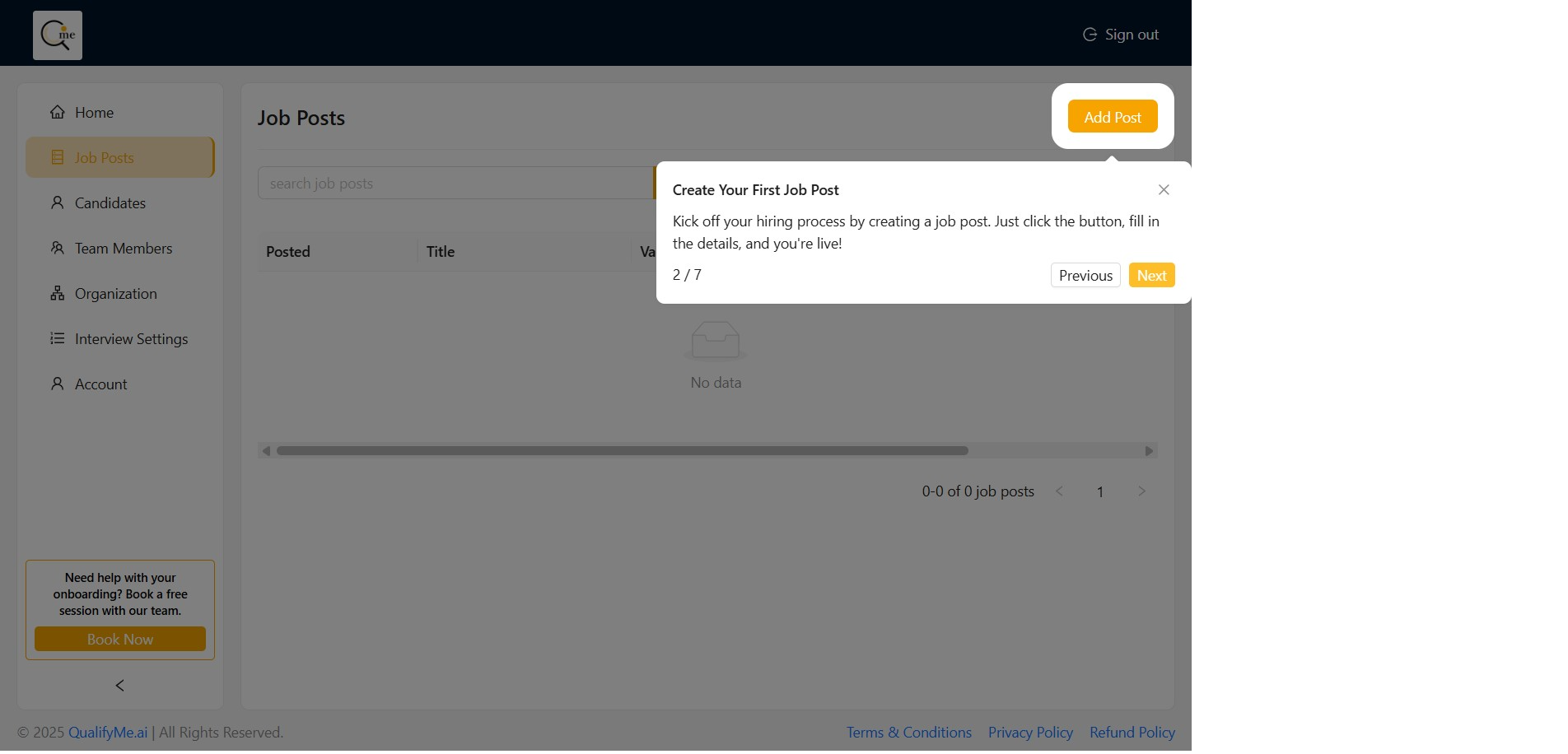
Proceed to Job Post Creation Step
The tour moves to step 2/7, guiding the user towards creating their first job post. Click 'Next' to continue the tour.