How to Navigate to the Account Subscription History on QualifyMe
This guide demonstrates how to navigate from the main dashboard to the 'Account' section and then select 'Subscription History' to review plan details.
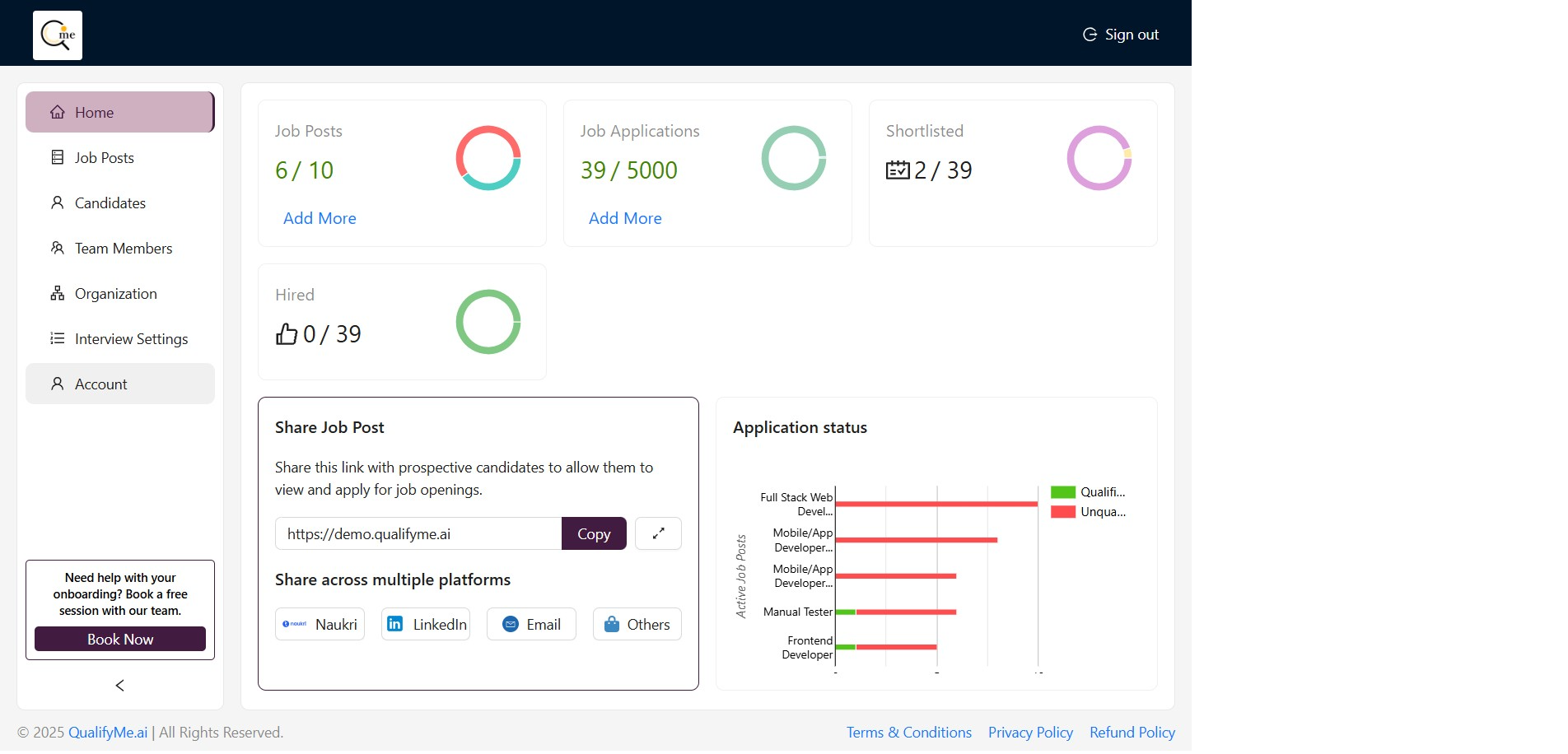
Access the Account Settings
Click on the 'Account' option in the left-hand navigation menu on the dashboard.
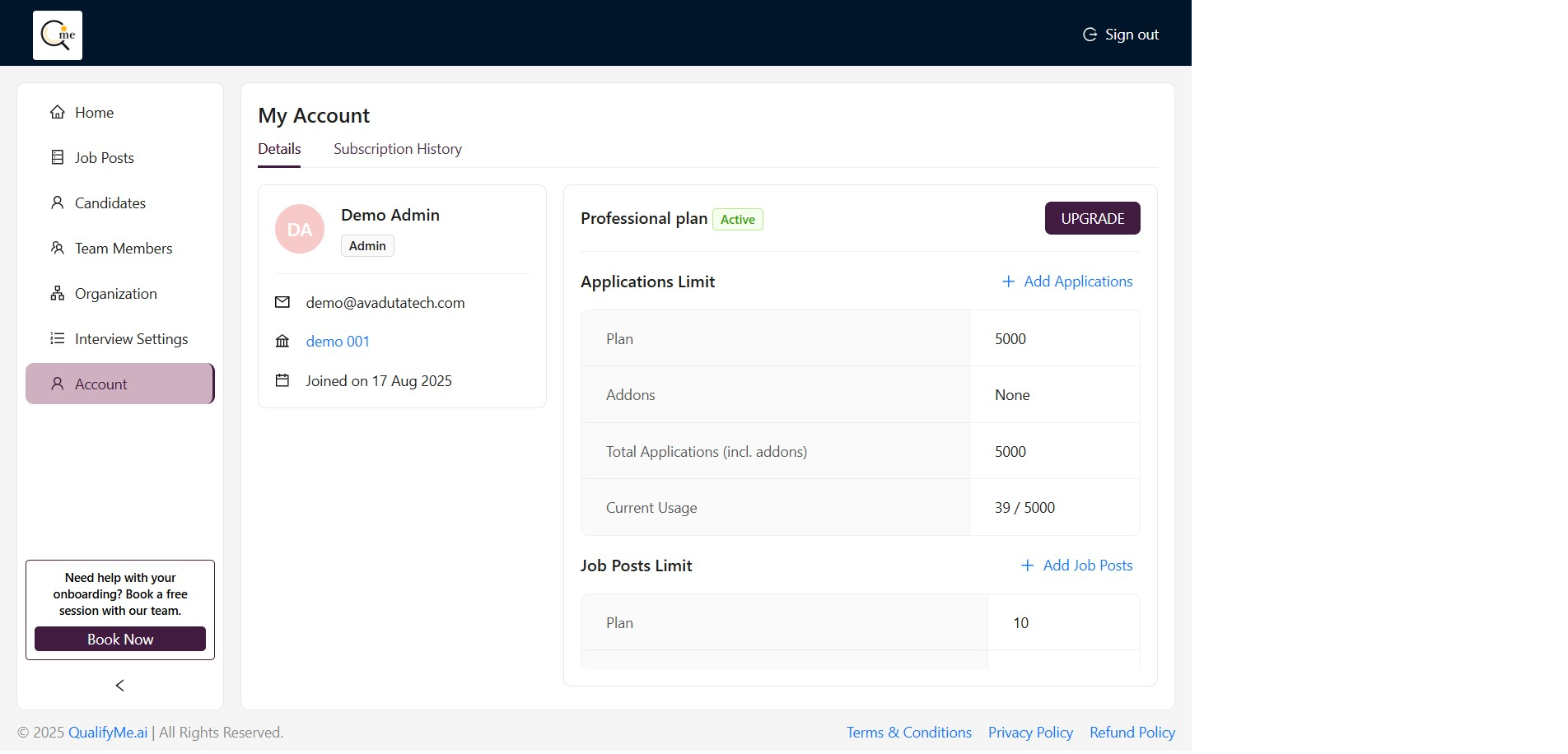
View Subscription History
After navigating to the 'My Account' page, click on the 'Subscription History' tab located next to the 'Details' tab to see the history of subscriptions.